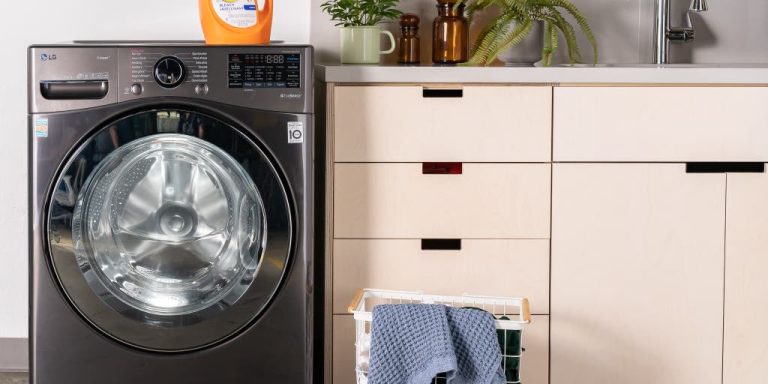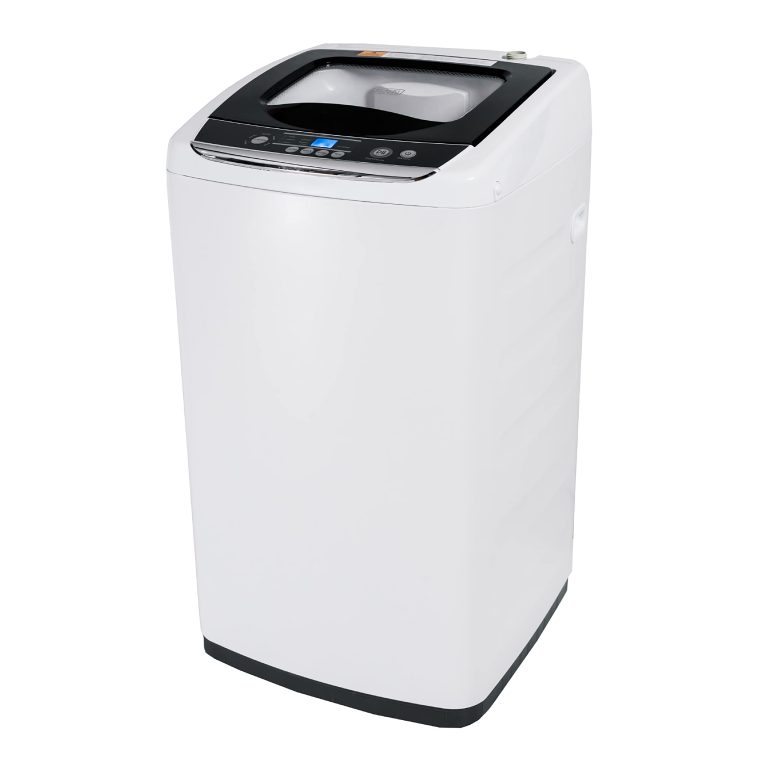
If your washing machine won’t start and just clicks, it could indicate a problem with the motor or the lid switch. Is your washing machine refusing to start and only making clicking sounds?
This issue could potentially be caused by a malfunctioning motor or a faulty lid switch. Before seeking professional assistance, it is wise to try some troubleshooting steps to determine the exact problem and potentially resolve it on your own. We will explore some common reasons why your washing machine won’t start and just clicks, as well as provide some useful tips to help you rectify the issue.
By following these steps, you may be able to get your washing machine back up and running efficiently in no time.

Credit: lakeappliancerepair.com
Common Reasons For Clicking Sound
Washing machine issues can be frustrating, especially when you encounter a clicking sound with no start-up. Understanding the common reasons for this problem can help diagnose and potentially resolve the issue efficiently.
Faulty Door Switch
One common reason a washing machine clicks but won’t start is due to a faulty door switch. The door switch is designed to prevent the washer from starting unless the door is properly closed, and if it is malfunctioning, the machine may not initiate the cycle.
Defective Start Button
Another probable cause of the clicking sound without starting is a defective start button. If the start button is not functioning correctly, it may not send the signal to begin the wash cycle, resulting in the clicking noise without any action.
These issues can often be resolved by professional repair or DIY troubleshooting, ensuring your washing machine gets back to its normal operations.

Credit: www.sharperservicesolutions.com
Checking Power Supply
To troubleshoot a washing machine that clicks but won’t start, first check the power supply. Verify the power cord, outlet, and circuit breaker to ensure a proper electrical connection.
Inspect Power Cord
A common reason why a washing machine won’t start and only clicks is due to issues with the power supply. To determine if there is a problem with the power cord, visually inspect it for any visible damages or frayed wires. Make sure the power cord is securely plugged into the outlet and the washing machine. Sometimes, a loose or faulty connection can prevent the appliance from starting.
Test Outlet With Another Device
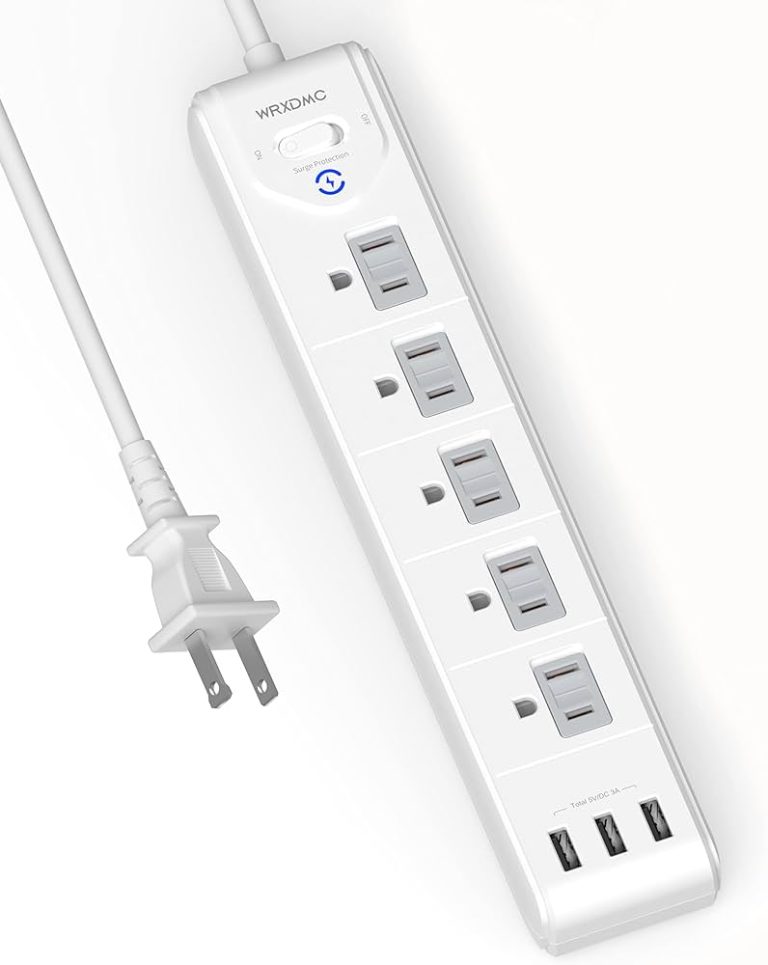
If the power cord appears to be in good condition and properly connected, the next step is to test the outlet using another device. Plug a known working device, such as a lamp or phone charger, into the same outlet. If the device doesn’t work either, you may have a problem with your electrical outlet.
By testing an alternative device in the outlet, you can confirm if the issue lies with the outlet or the washing machine. If the other device also fails to work, it’s likely that the electrical outlet is the culprit. In this case, consider contacting a professional electrician to repair or replace the faulty outlet.
If the alternative device does work, then the problem is isolated to the washing machine itself. You’ll need to troubleshoot other potential causes, such as a faulty control board or malfunctioning motor. These issues may require professional repair or replacement parts.
Examining Control Panel
When your washing machine won’t start and you hear only clicks, it can be frustrating. One potential culprit could be a malfunction in the control panel. By examining the control panel, you may be able to troubleshoot and potentially resolve the issue without the need for a professional. Let’s delve into some steps to take when examining the control panel of your washing machine in this situation.
Look For Error Codes
If your washing machine has a digital display, it may show error codes when a problem occurs. Refer to the user manual to interpret these error codes. Typically, error codes can provide valuable insight into what might be causing the issue. By identifying the specific error code, you can move closer to discovering the root of the problem.
Reset Control Panel
Performing a control panel reset is a common troubleshooting step. To reset the control panel, you could consult the user manual for specific instructions. In most cases, this involves unplugging the machine for a few minutes and then plugging it back in. This process can reset the electronics and potentially resolve the issue. It’s important to note that this step should be undertaken carefully, as improper reset attempts may lead to further issues.
Inspecting Motor
When your washing machine won’t start and you hear a clicking sound, it could indicate a problem with the motor. Inspecting the motor can help identify the root cause of the issue. By following a few simple steps, you can troubleshoot the problem and potentially resolve the issue without the need for professional assistance.
Troubleshoot Capacitor
If your washing machine motor is clicking but not starting, check the capacitor. A faulty capacitor can prevent the motor from receiving the necessary electrical boost to start properly. Inspect the capacitor for visible signs of damage, such as bulging or leaking. If you notice any abnormalities, the capacitor may need to be replaced to resolve the issue.
Check Drive Belt
An improperly functioning drive belt can also cause a clicking sound when the washing machine is turned on. The drive belt may have slipped out of place or become worn over time. Inspect the drive belt for any signs of wear, fraying, or stretching. If you notice any damage, the drive belt may need to be adjusted or replaced to restore proper function to the motor.
Assessing Agitator And Drum
When your washing machine won’t start and just clicks, there could be several reasons behind this frustrating issue. One possible cause is a problem with the agitator or drum. In this section, we will guide you on how to assess these components to determine if they are causing the problem.
Rotate Agitator Manually
If your washing machine won’t start and only clicks, one simple step you can take is to manually rotate the agitator. To do this, follow these easy steps:
- Open the washing machine lid or door and locate the agitator in the center of the drum.
- Use your hand to firmly grip the agitator and give it a gentle clockwise and counterclockwise rotation.
- Pay close attention to any resistance or irregular movements while rotating the agitator.
By manually rotating the agitator, you can check if it spins smoothly or if there are any obstructions causing the clicking sound. If the agitator feels loose, wobbly or gets stuck in certain positions, it may need to be repaired or replaced.
Check For Drum Blockages
Another potential cause for a clicking washing machine is a blocked drum. To assess if this is the issue, follow these simple steps:
- Switch off the washing machine and unplug it from the power source for safety.
- Open the washing machine’s door or lid and check for any debris or foreign objects in the drum.
- Inspect the drum’s inner surface for any signs of damage or blockages, such as clothing items or small objects that may have gotten stuck.
- Carefully remove any blockages or foreign objects you find to ensure smooth drum rotation.
A blocked drum can prevent the washing machine from starting properly and cause it to click instead. By checking for and removing any blockages, you can potentially resolve the issue and get your washing machine up and running again.

Credit: m.youtube.com
Frequently Asked Questions For Washing Machine Won’t Start Just Clicks
Why Is My Washing Machine Just Clicking?
A clicking washing machine may have a faulty lid switch or malfunctioning timer. Check these components for issues.
When I Press Start On Washing Machine Nothing Happens?
If pressing start on your washing machine doesn’t trigger any action, check the power source and ensure it’s connected properly. Restart the machine and consult the user manual for troubleshooting steps.
Why Is My Washing Machine Making Noise But Not Turning?
A noisy washing machine that doesn’t turn may have a problem with its motor or belt. Check if the drum spins freely or if the motor or belt needs to be replaced. Contact a professional technician for further assistance.
How Do I Reset My Washing Machine?
To reset your washing machine, unplug it for 1 minute, then plug it back in. Press and hold the Start/Stop or Power button to reset. Select a new cycle and press Start. If the machine has a reset button, press and hold it for 3 seconds.
Conclusion
When your washing machine won’t start and all you hear is a clicking sound, it could indicate a problem with the control board or motor. Checking for loose connections and ensuring that the power source is working properly are important troubleshooting steps.
If the issue persists, it is recommended to seek professional help to avoid any further damage. Remember, by addressing the problem promptly, you can get your laundry routine back on track in no time.